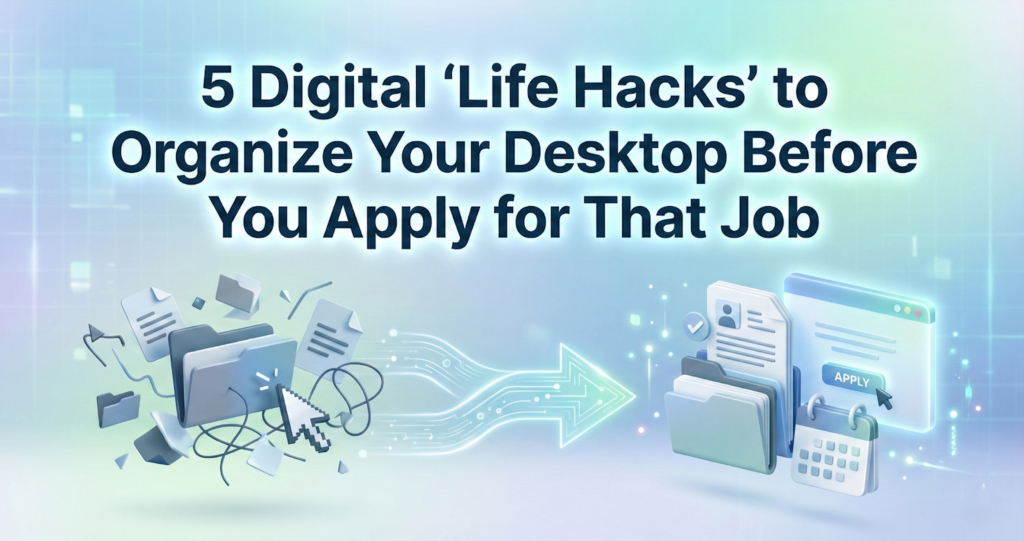
The job hunt is stressful enough without the added chaos of a digital mess.
We have all been there: You find the perfect job listing. You are ready to apply. But then you spend 20 minutes searching through a sea of desktop icons, looking for that one specific version of your cover letter. You finally find it, but the file name is Resume_Final_FINAL_v3_edited.pdf.
A disorganized digital environment adds invisible friction to your career search. It drains your energy before you even hit “send.” Before you start your next application spree, use these five quick digital life hacks to streamline your workflow and present yourself as the polished professional you are.
1. Master the “ISO” Naming Convention
If a recruiter downloads your resume and the file name is simply Resume.pdf, it might get lost in their downloads folder forever. Worse, if it’s named MyResume_Draft_1, it looks unprofessional.
Adopt a standard naming convention for every single file you send. A good standard is: FirstName_LastName_DocumentType_Company.
- Bad: CV_new.pdf
- Good: John_Doe_CV_Google.pdf
This makes it easy for you to search for later, and it makes it incredibly easy for the hiring manager to find your file in a pile of applicants.
2. The “Archive” Folder is Your Best Friend
If your desktop looks like a checkerboard of random screenshots and old Doc files, it’s time to purge. But you don’t have to delete everything—you just need to hide it.
Create a single folder named Old_Files_Archive. Drag every single file from your desktop into that folder. Now, create one new folder named Job_Search_2026. This psychological “reset” clears your visual field and allows you to focus strictly on the files that matter for your current goals. A clean screen equals a clear mind.
3. Revive Old Resumes Without Retyping
One of the most frustrating parts of updating your CV is realizing you only have the PDF version of your last resume, and you lost the original Word document years ago.
You don’t need to retype your entire work history from scratch. That is a waste of valuable time. Instead, use a PDF to Word tool to instantly convert that “locked” PDF back into an editable document. This allows you to grab the formatting and text from your old resume, update it with your newest skills, and save it as a fresh file in seconds.
4. Beat the Email File Size Limit
If you are a designer, marketer, or architect, you likely have a portfolio full of high-resolution images. However, most corporate email servers reject attachments larger than 25MB. There is nothing worse than crafting a perfect cold email, only to have it bounce back because your portfolio was too heavy.
Get into the habit of compressing your PDF files before you apply. Modern compression tools can shrink a 50MB portfolio down to 5MB without ruining the image quality. It ensures your work actually lands in the recruiter’s inbox.
5. Know the “Format Rules” (Word vs. PDF)
Once your files are organized and your content is updated, the final step is submission. This is where many applicants get stuck in the “Format Trap.”
There is a long-standing debate in the recruiting world about which file type is safer. Should you send an editable Word doc so the Applicant Tracking System (ATS) can read it easily? Or should you send a PDF to ensure your formatting doesn’t break?
While Word is great for the editing phase, the general consensus is shifting. To understand exactly why—and how to make sure your resume passes the robot filters—it is worth reading up on whether to submit in Word or PDF for a resume. Generally, you want to lock your formatting in to ensure the recruiter sees exactly what you see.
Summary
Treat your digital workspace like a physical desk. If it is covered in trash, you won’t feel productive. By organizing your files, recovering editable versions of old docs, and naming your files correctly, you aren’t just tidying up; you are removing the barriers between you and your new job.
About the Author